system shell
Command Shell
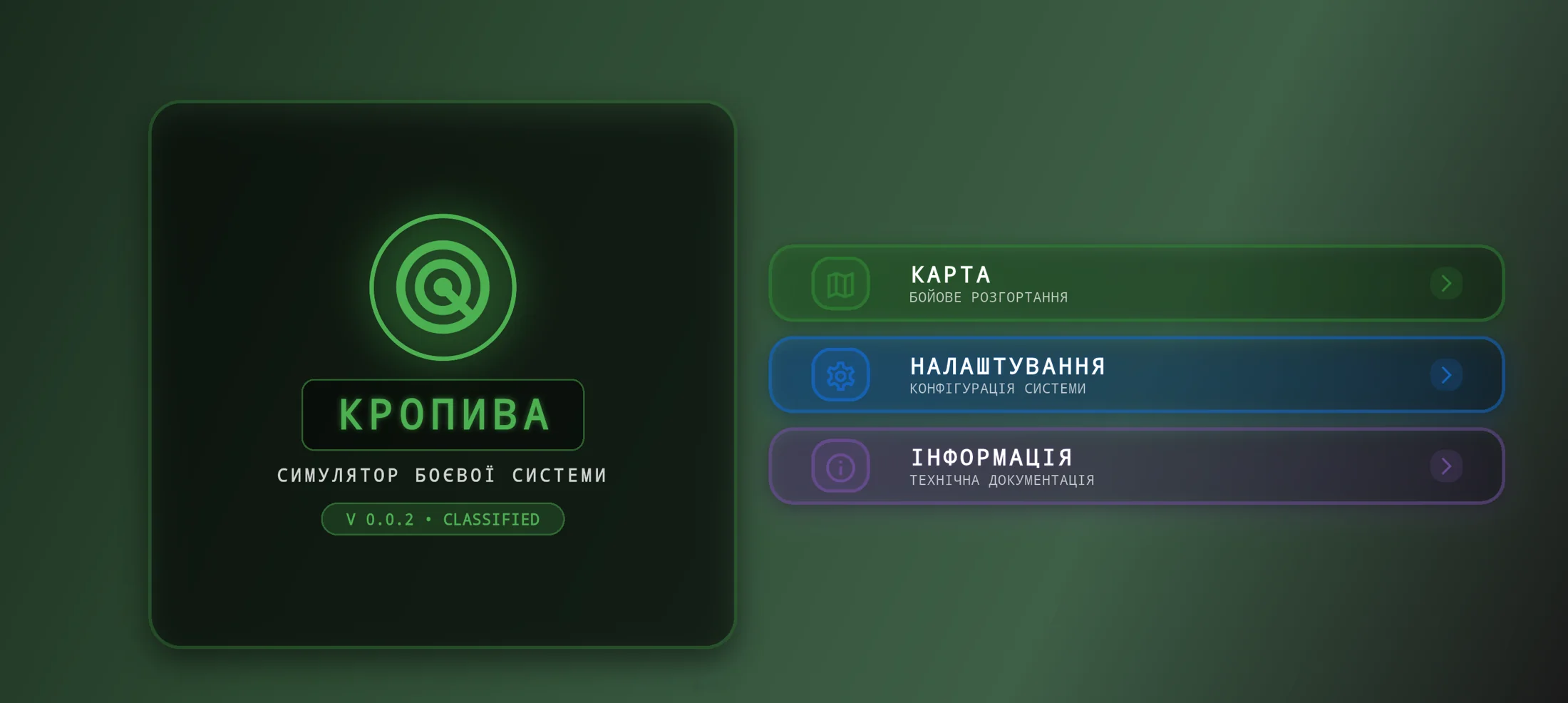
A military-styled horizontal entry screen that frames the simulator as a field system rather than a generic mobile app, with direct routes into the map module, system settings, and technical information.
Landscape Tactical Simulator
Landscape tactical mobile simulator of the Kropyva combat system for battlefield map work and threat visualization
Kropiva is a mobile tactical simulator built for a very specific interaction model: the device is not treated like a casual portrait app, but like a handheld field console opened in landscape mode. The local codebase makes the product intent very clear. The experience starts from a military-styled control shell, moves into an immersive landscape map, loads combat scenarios from local asset data, renders Ukrainian borders from GeoJSON, and animates hostile trajectories across the operational area. From an engineering perspective, the project had to keep scenario data, map state, simulation timing, compass measurements, and UI overlays cleanly separated, while still feeling immediate and legible on touch devices.
A military-styled horizontal entry screen that frames the simulator as a field system rather than a generic mobile app, with direct routes into the map module, system settings, and technical information.
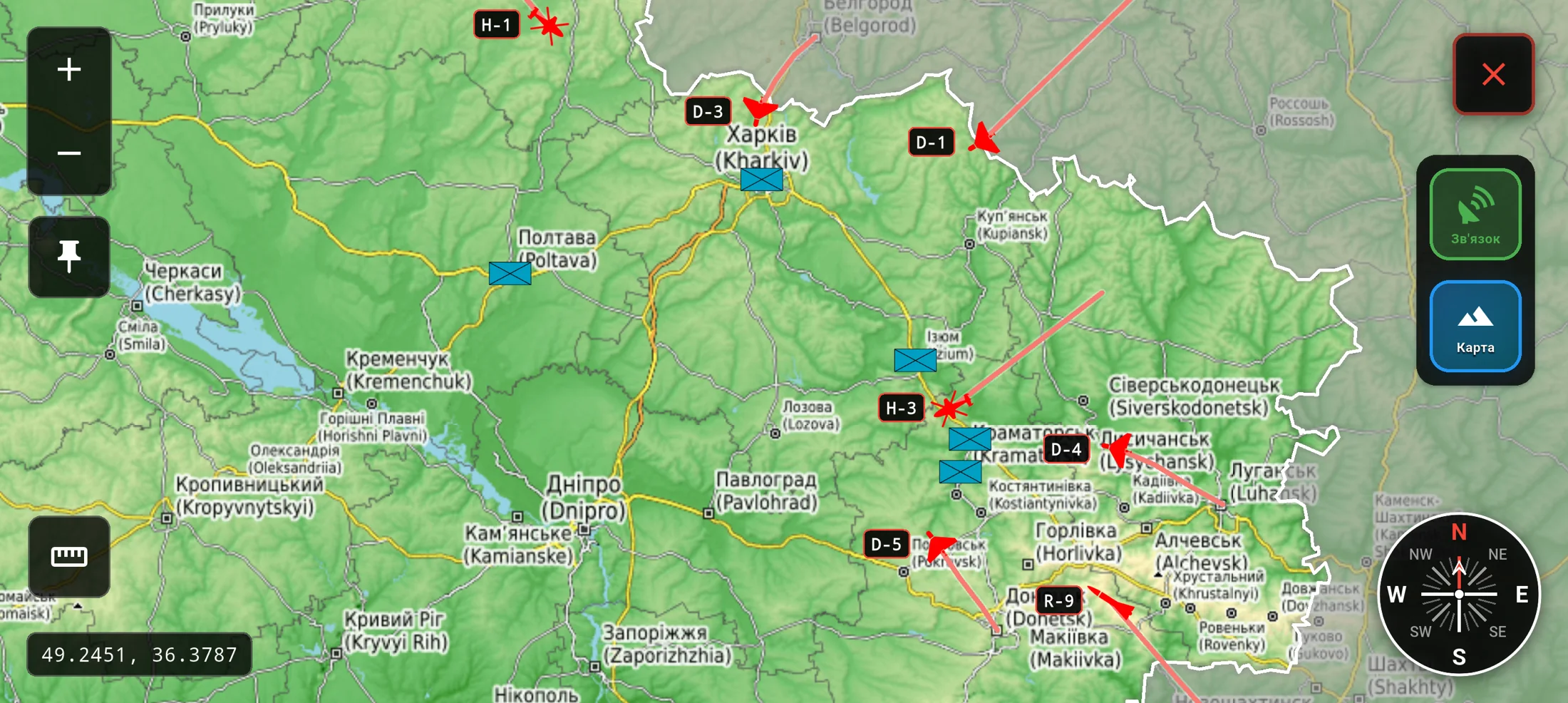
The core landscape battlefield surface with friendly positions, moving hostile targets, trajectory visualization, map-type switching, satellite-link state, rotation, zoom, and a masked operational area using Ukraine border GeoJSON.
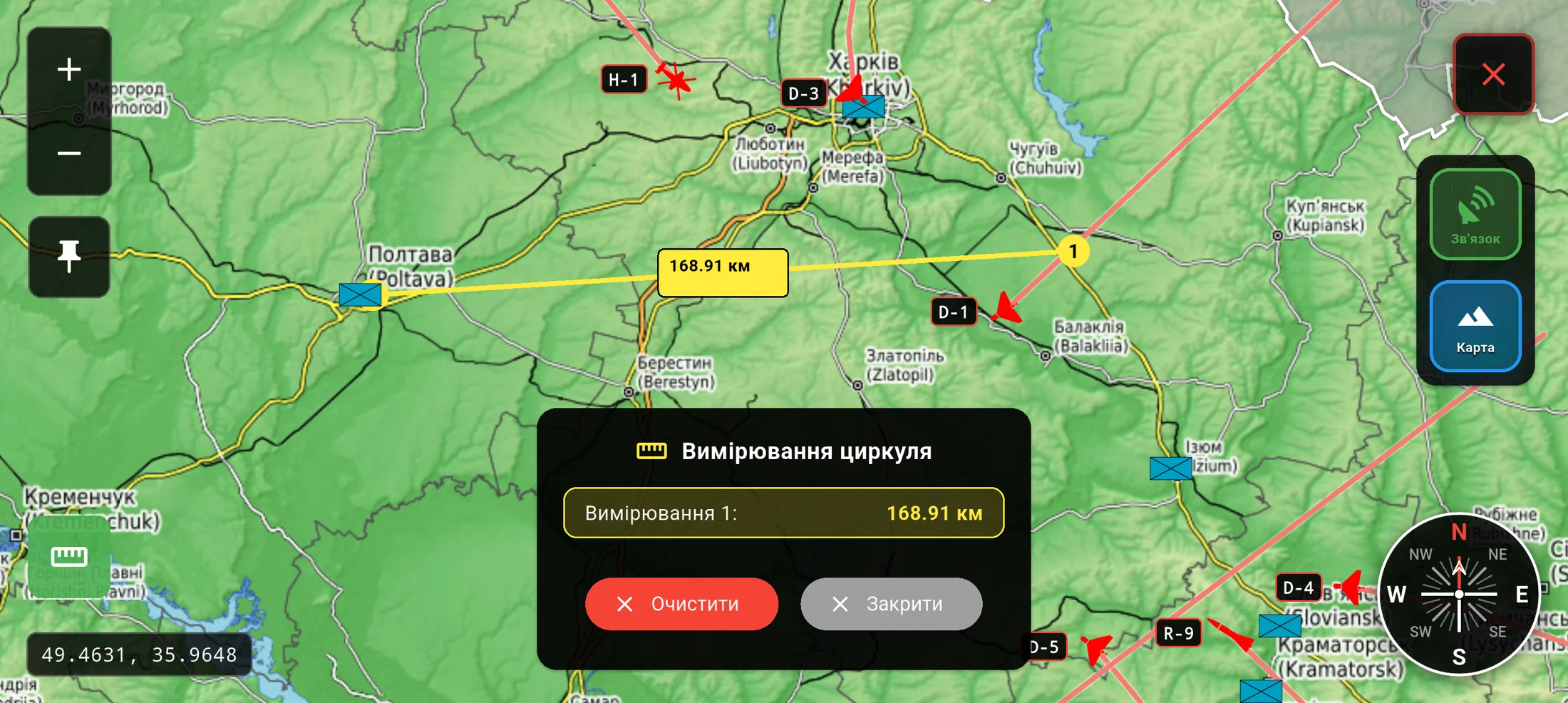
An on-map distance workflow for quickly measuring between points, storing measurement history in session state, and surfacing results inside a purpose-built mil-tech panel instead of a default utility popup.
Translate a military-style control experience into a landscape mobile form factor without overloading the screen or making touch interactions ambiguous.
Keep hostile target movement, tactical overlays, measurement tools, and map interactions readable in real time while still running as a lightweight mobile simulator.
Structure the app so that scenario content, target behavior, map controls, and device settings can evolve independently instead of collapsing into one stateful screen.
Built the simulator in Flutter with a landscape-first app shell and an immersive map wrapper that explicitly locks the operational experience to landscape orientation and hides system chrome for a more field-console feel.
Separated the runtime into focused Riverpod layers: asset-backed scenario loading for local simulation content, a dedicated map state notifier for zoom, center, rotation, lock state, map type, satellite-link status, and compass measurements, and a standalone simulation notifier that advances target trajectories over time.
Implemented the map surface on top of flutter_map with ArcGIS imagery, OpenStreetMap, and terrain tiles, then layered on GeoJSON border masking, friendly markers, hostile markers, target code labels, trajectory rendering, compass lines, and interaction-aware camera syncing.
Kept the simulator data-driven through local JSON scenarios and typed models for friendly positions, targets, launch points, trajectories, and target categories such as Shahed drones, rockets, helicopters, and aircraft.
Added a separate settings flow with persistent device-side preferences, including sound, vibration, map zoom defaults, grid visibility, autosave behavior, language, and dark-mode toggles, giving the simulator a clearer operational configuration layer.
“A credible mil-tech mobile simulator with a clear product identity, purpose-built landscape UX, and a stronger tactical feel than a repurposed generic map app.”
“A maintainable state architecture where scenario data, runtime simulation, mapping behavior, and configuration remain cleanly separated and ready for extension.”
“A practical foundation for future growth through additional scenarios, richer threat types, more measurement tools, offline data packs, and more advanced tactical overlays.”
Send us a short description of what you're building or what's broken. We'll reply within a day with honest thoughts on scope, approach, and whether we're the right fit.